
Drain the Lake Beginner Guide
From first drain to first upgrades, Token farming, checkpoint pushes, and Find My Phone. Data checked 2026-08-01.
Main goal
Phone ending
First spend
Fill speed
Source
Roblox data
- 1
Join the game
Open Drain the Lake on Roblox (PlaceId 138381251771774) by IWTM10GTMPLS.
- 2
Fill and drain
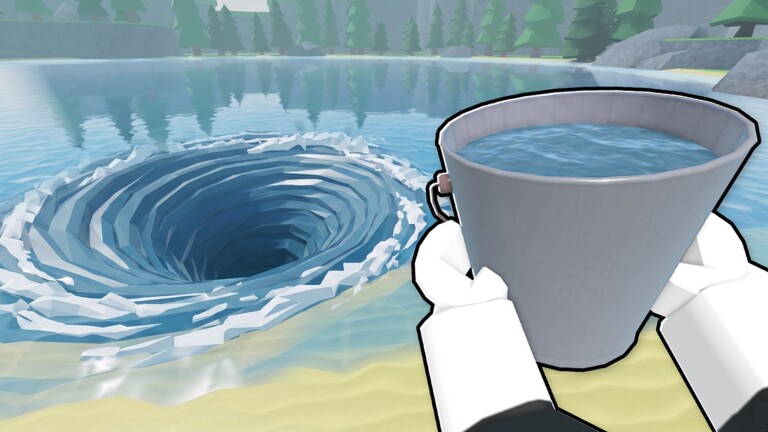
Hold the fill input with the starter Bucket, then deposit at the station for Tokens.
- 3
Buy Skill Tree upgrades
Spend Tokens on capacity and water collection speed first, then rapid drain and auto-collection.
- 4
Upgrade your bucket
Use Diamonds in the lobby: Plastic adds +5% fill speed, while Metal costs 500 Diamonds for +2 capacity. Claim Ancient after 10 badges.
- 5
Push depth
Lower the water: Shipwreck → Cavern → Mineshaft → Molten → Lost City → Abyss → Phone ending.
- 6
Watch the Shark
From mid-depth the Shark can bite you. Keep moving; some badges require getting bitten or surviving on Hard.
- 7
Teleport and collect chests
Activate each checkpoint, claim newly exposed chests, and use the surface teleport instead of climbing back to the station.
Next steps
FAQ
What should I upgrade first in Drain the Lake?
Prioritize capacity and water collection speed, then rapid drain and Token auto-collection. Use Diamonds separately for lobby buckets.
What is the first full-route goal?
Follow the checkpoint chain toward Abyss and then the Phone ending, which awards Find My Phone.
Sources & updates
- Roblox — Drain the Lake experience page
- Official badge daily win rates (Roblox Badges API)
- ItzVexo — Pro Tips & Tricks gameplay source
This independent guide is updated when the game route, badge data, or official Roblox experience information changes.